
Commands
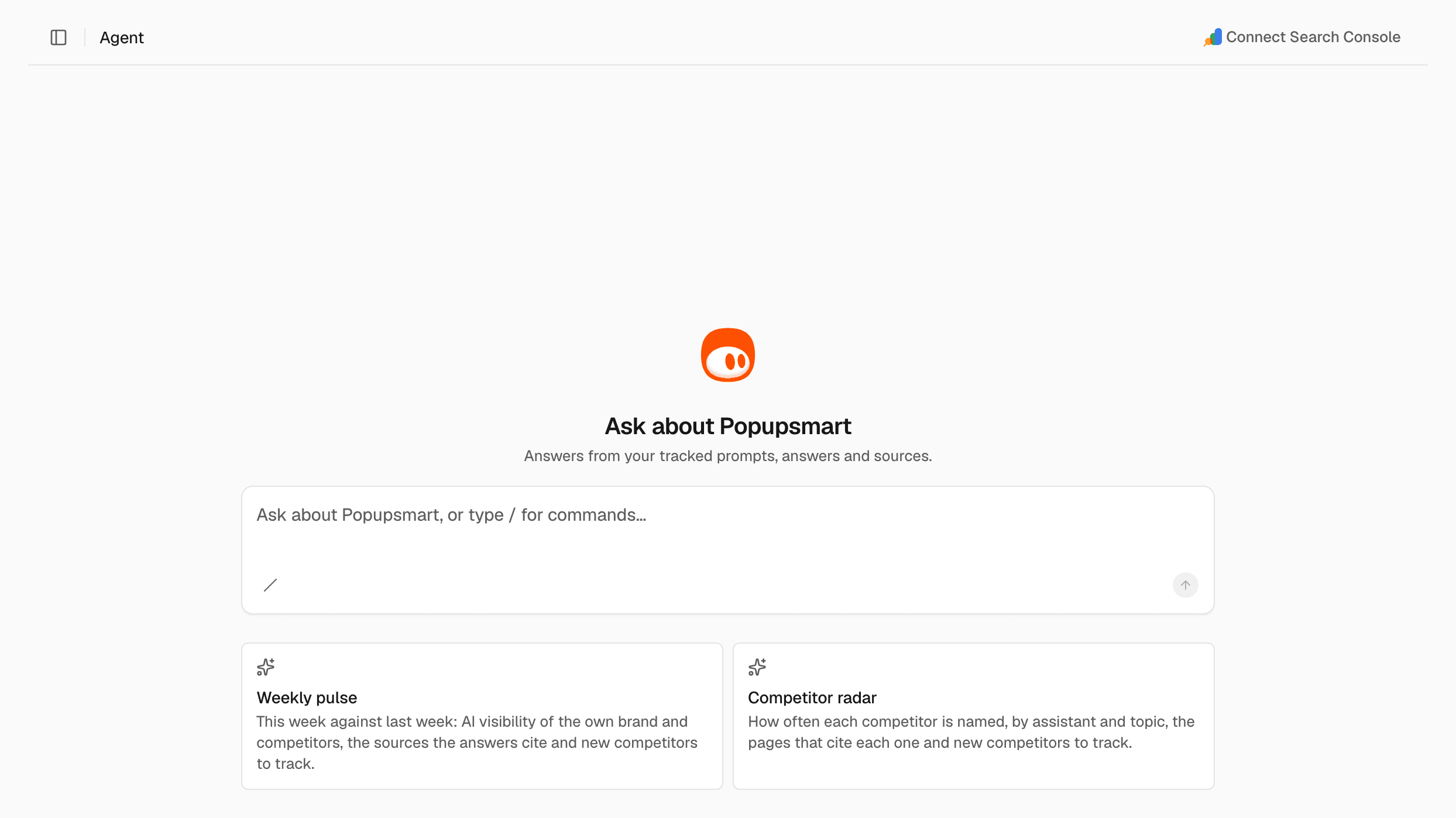
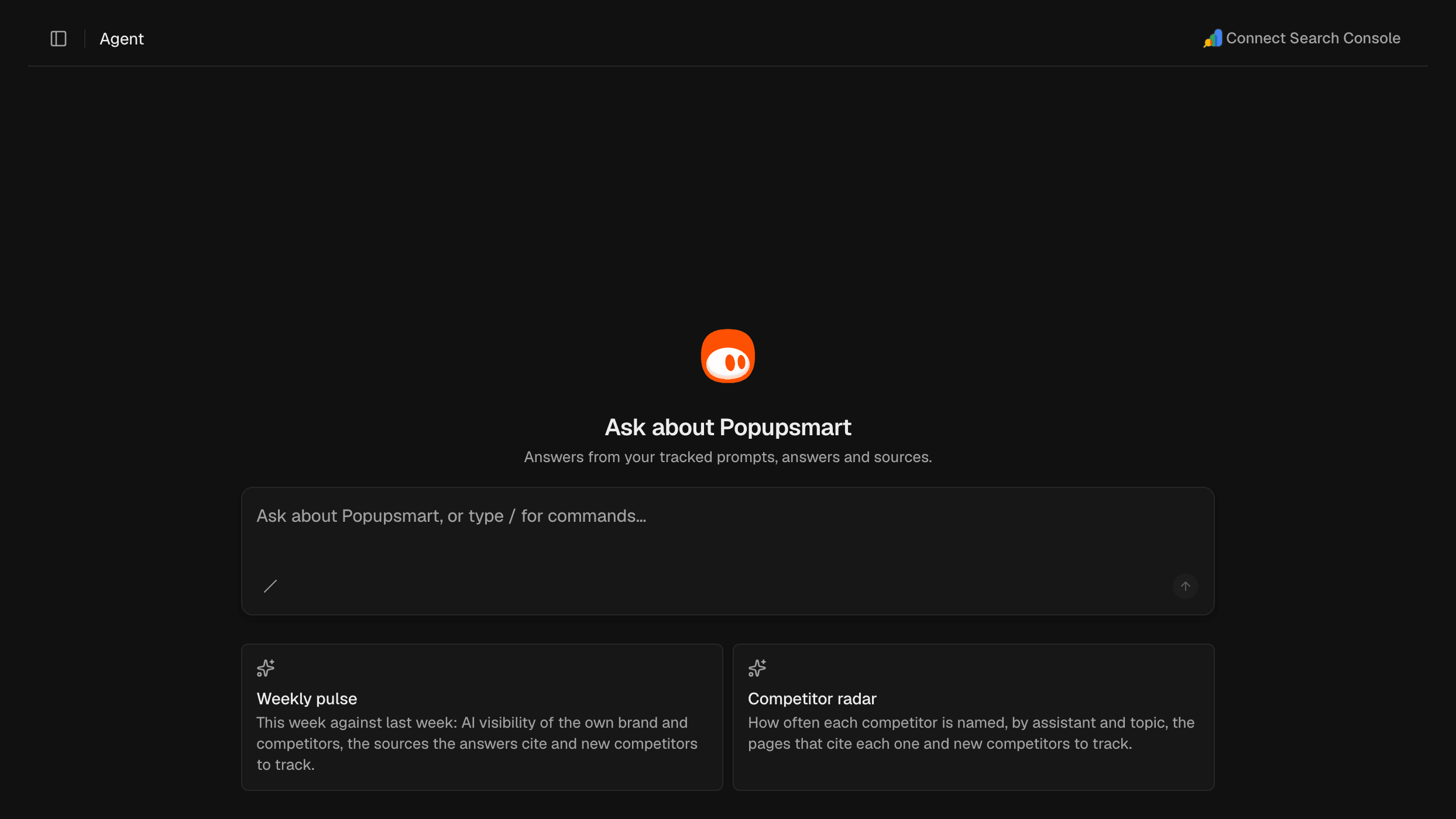
Commands are ready-made reports. They show as cards under the message box, and typing/ in the message box lists every command:
- Weekly pulse: this week against last week: the AI visibility of your brand and competitors, the sources the answers cite, and new competitors to track.
- Competitor radar: how often each competitor is named, by assistant and topic, the pages that cite each one, and new competitors to track.
Your chats
Chats are saved per project and are private to you. Recent chats in the sidebar lists your earlier chats. Open one to continue it.Credits
Each answer from the agent spends the organization’s credits. If the balance can’t cover an answer, the agent can’t answer. For the cost, see Plans and credits. For your balance, see Usage.Ask a question
Get an answer from your project’s data.1
Type your question
In the message box, type a question, for example “How did our visibility
change this week?”, “Which competitor is named most on ChatGPT?” or “Which
domains do the answers cite most?”.
2
Send it
Press Enter.
Run a command
1
Choose a command
Click a command card, or type
/ in the message box and choose a command.2
Optional: focus it
Type your own text after the command.
3
Send it
Press Enter.
Approve a change
When the agent wants to change something, such as add a prompt or track a competitor, it asks first: “Allow: …?”. Nothing changes until you approve.- To make the change, click Approve.
- To skip it, click Cancel.
Use your Search Console data
When Search Console is connected, the agent can also read your real clicks, queries and indexing. If it isn’t connected, click Connect Search Console in the page header. It takes you to Project settings, where you connect it.Start, rename or delete a chat
- To start a new chat, click New chat in the sidebar.
- To rename a chat, open its ⋯ menu in Recent chats, select Rename, enter a Title and click Rename.
- To delete a chat, open its ⋯ menu in Recent chats, select Delete and confirm. The chat disappears from your list.
Related
MCP and AI tools
Use the same data from Claude, ChatGPT and other AI tools.
Prompts
Choose the questions SEOmator tracks.
Plans and credits
What the agent costs and how credits work.