
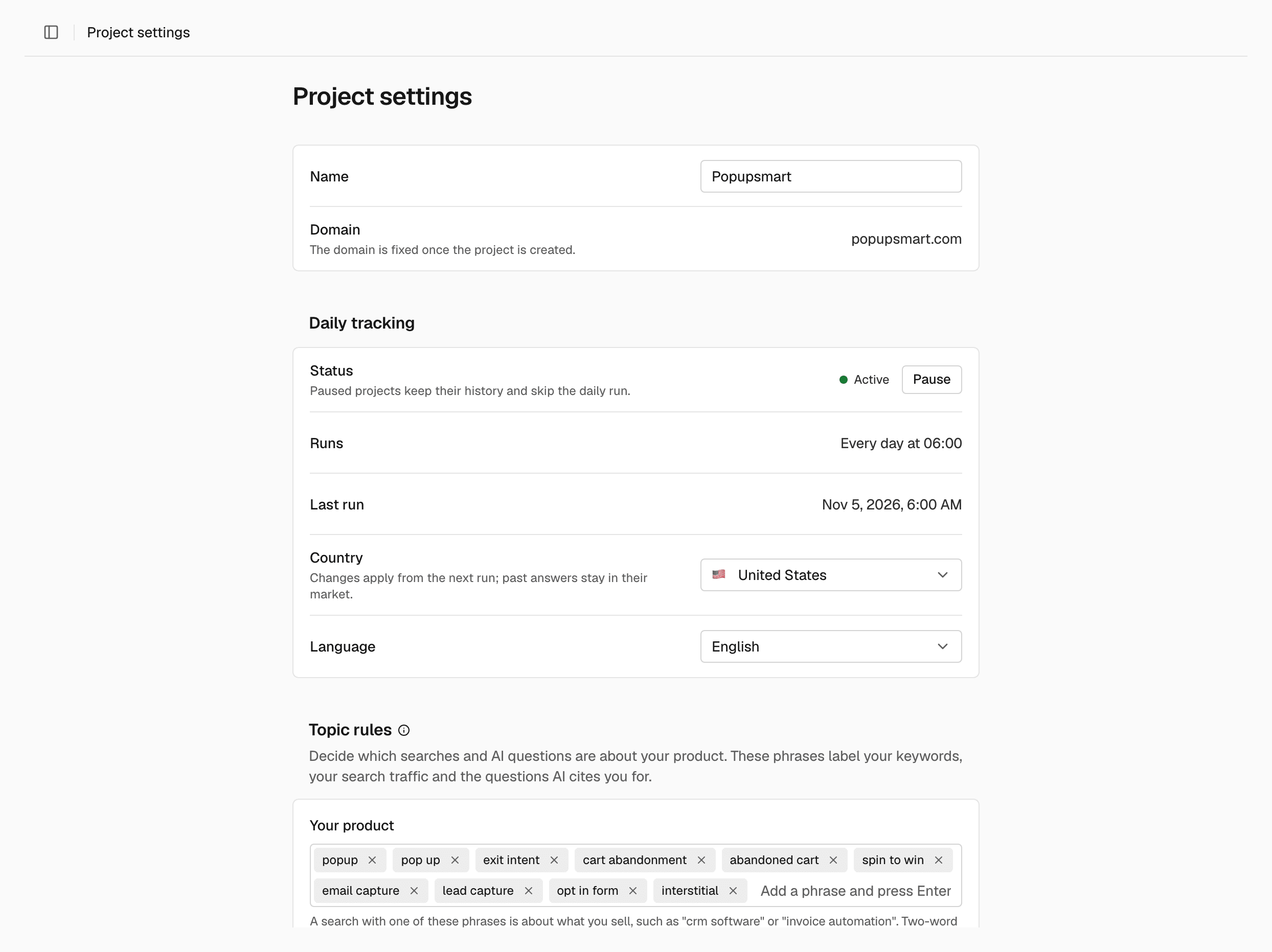
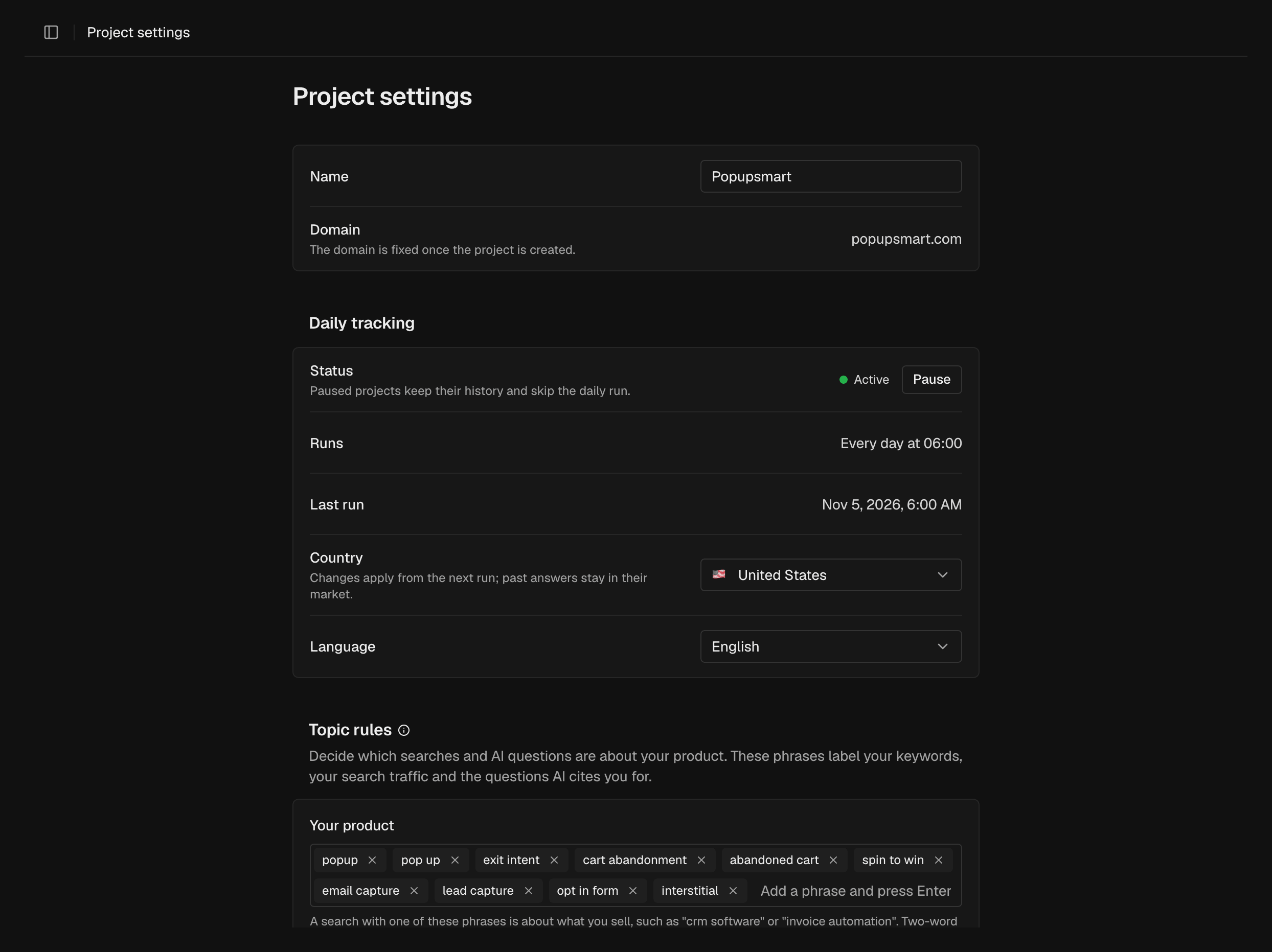
Name and domain
The Name is how the project shows in SEOmator. The domain is fixed once the project is created. To track another domain, create a new project.Daily tracking
Paused projects keep their history and skip the daily run. Each project tracks one market, set by its Country and Language.
Topic rules
Topic rules decide which searches and AI questions are about your product:- Your product: phrases for what you sell, such as “invoice automation”. Up to 8.
- Related topics: work your buyers do around your product that you don’t sell. Up to 12.
- Not your product: words that mean a search is never about your product, such as “jobs” or “definition”. Up to 20.
Google Search Console
Connecting Search Console gives SEOmator your real clicks, queries and indexing, read-only. The agent and MCP use this data. Connection shows Connected, Access lost or Not connected, and Property shows the Search Console property SEOmator reads for this site.Rename the project
Change the Name and click Save.Pause or resume tracking
In Daily tracking, click Pause to stop the daily run. The status changes to Paused. Click Resume to start again. The first answers are requested right away, and from then on the project runs every day at the time you resumed.Change the country or language
1
Choose the market
In Daily tracking, choose a Country and a Language.
2
Save
Click Save, then click Save in the confirmation.
Set topic rules
In each Topic rules list, enter a phrase and press Enter, then click Save. SEOmator relabels your keywords right away.Connect Google Search Console
1
Connect
In Google Search Console, click Connect Google Search Console and
allow access in the Google window.
2
Check the property
When Connection shows Connected, check the Property.
Delete a project
Owners and admins What each role can do: Members.1
Start the delete
In Danger zone, click Delete project.
2
Confirm
Confirm with Delete project.
Related
Projects
Create and switch between projects.
Prompts
Choose the questions each daily run asks.
Members
See which roles can change project settings.