Appearance settings change how SEOmator looks on this device only. Other people in your organization, and your other devices, keep their own settings. In the sidebar, click your name and select Account, then click Appearance in the settings sidebar.
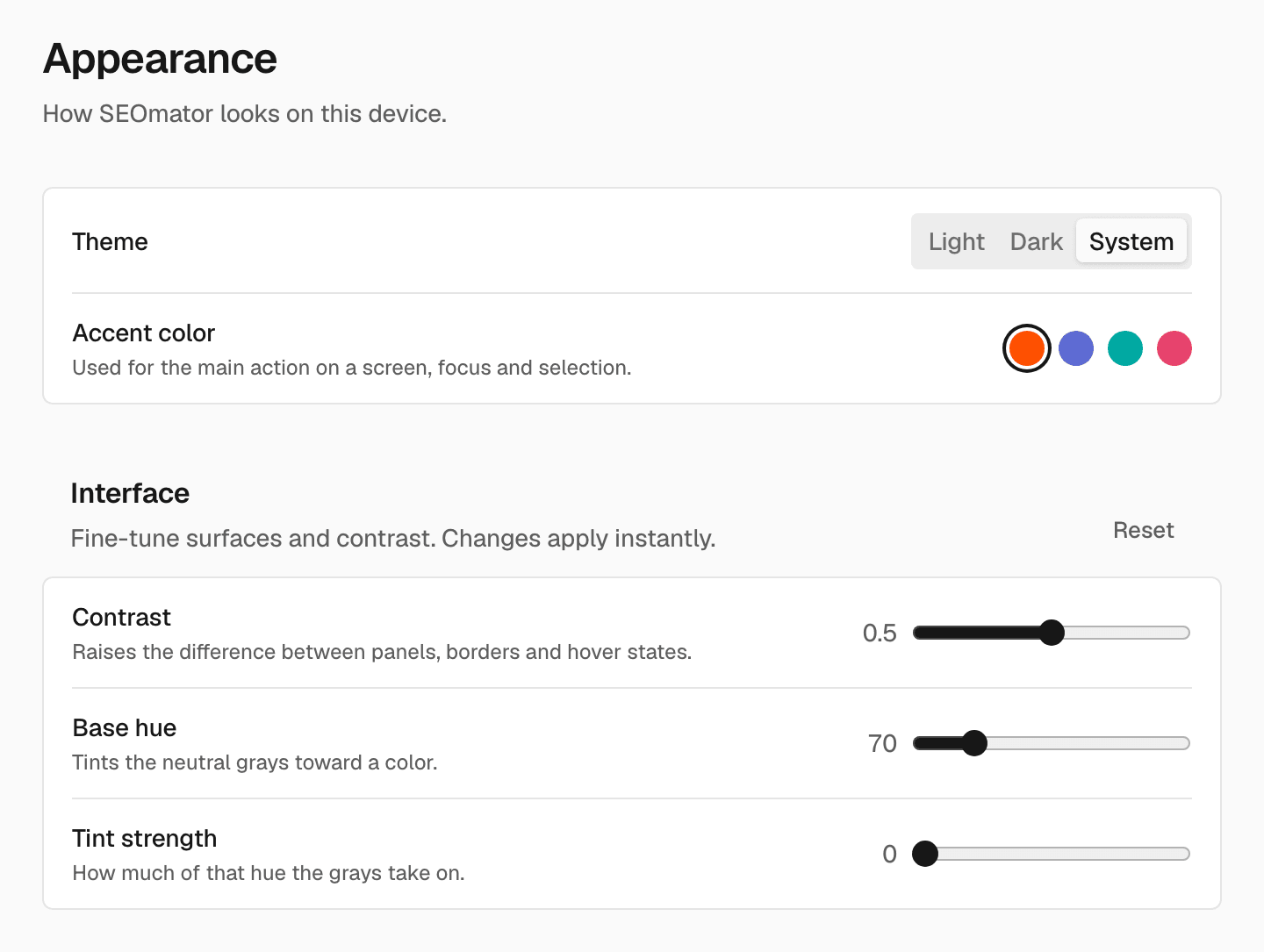
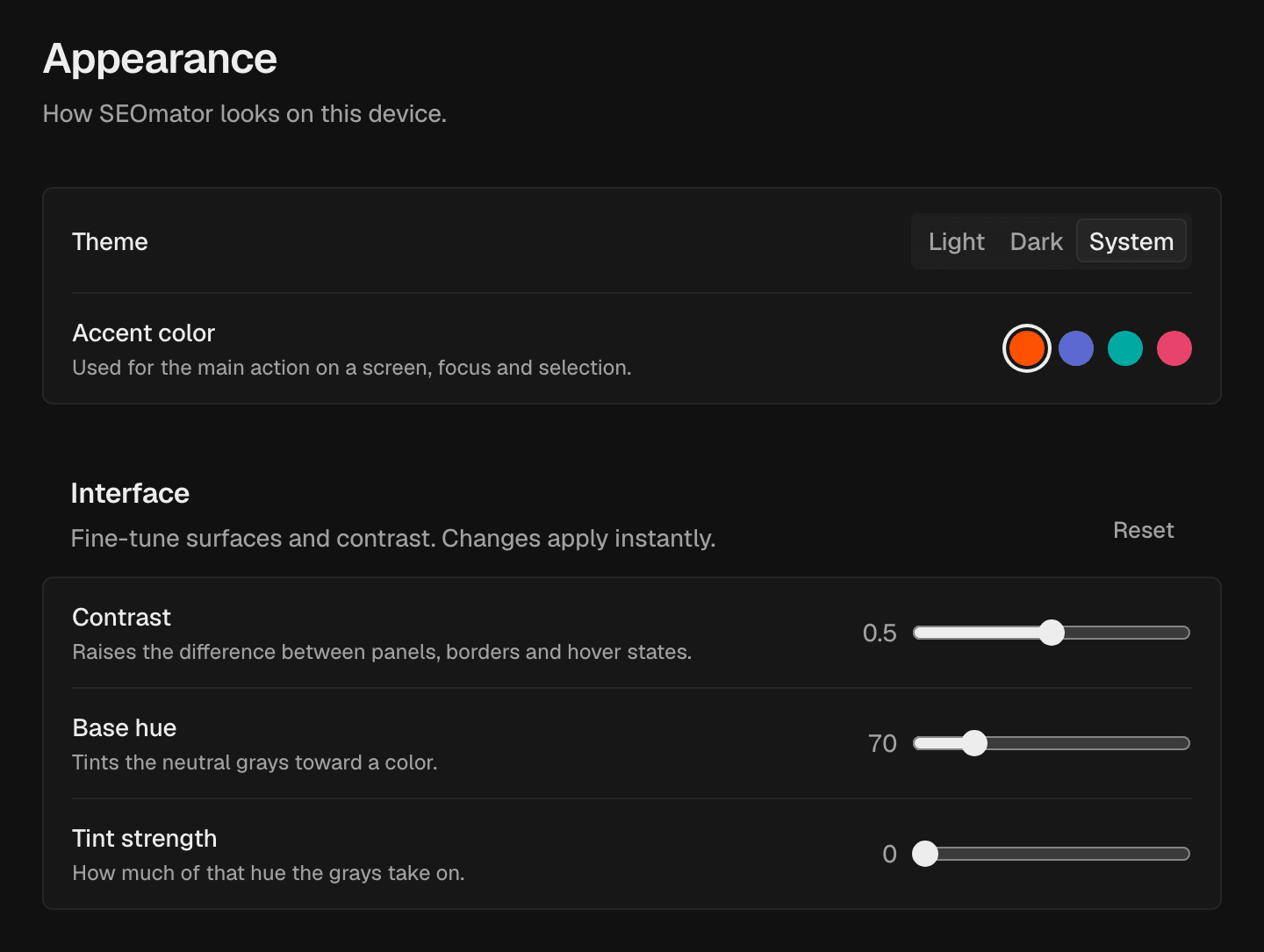
The Appearance page with the Theme choice, the four accent colors and the Interface slidersThe Appearance page with the Theme choice, the four accent colors and the Interface sliders

Theme

Choose Light, Dark or System. System follows your computer’s setting.
You can also switch the theme from Theme in the menu under your name.

Accent color

The accent color is used for the main action on a screen, for focus and for selection. Choose SEOmator, Indigo, Teal or Rose.

Interface

Fine-tune surfaces and contrast. Changes apply right away.

Reset the look

In Interface, click Reset. SEOmator goes back to the default look.

Profile

Change your name, email and picture.

Security

Change your password and sign-in options.
Last modified on November 5, 2026