
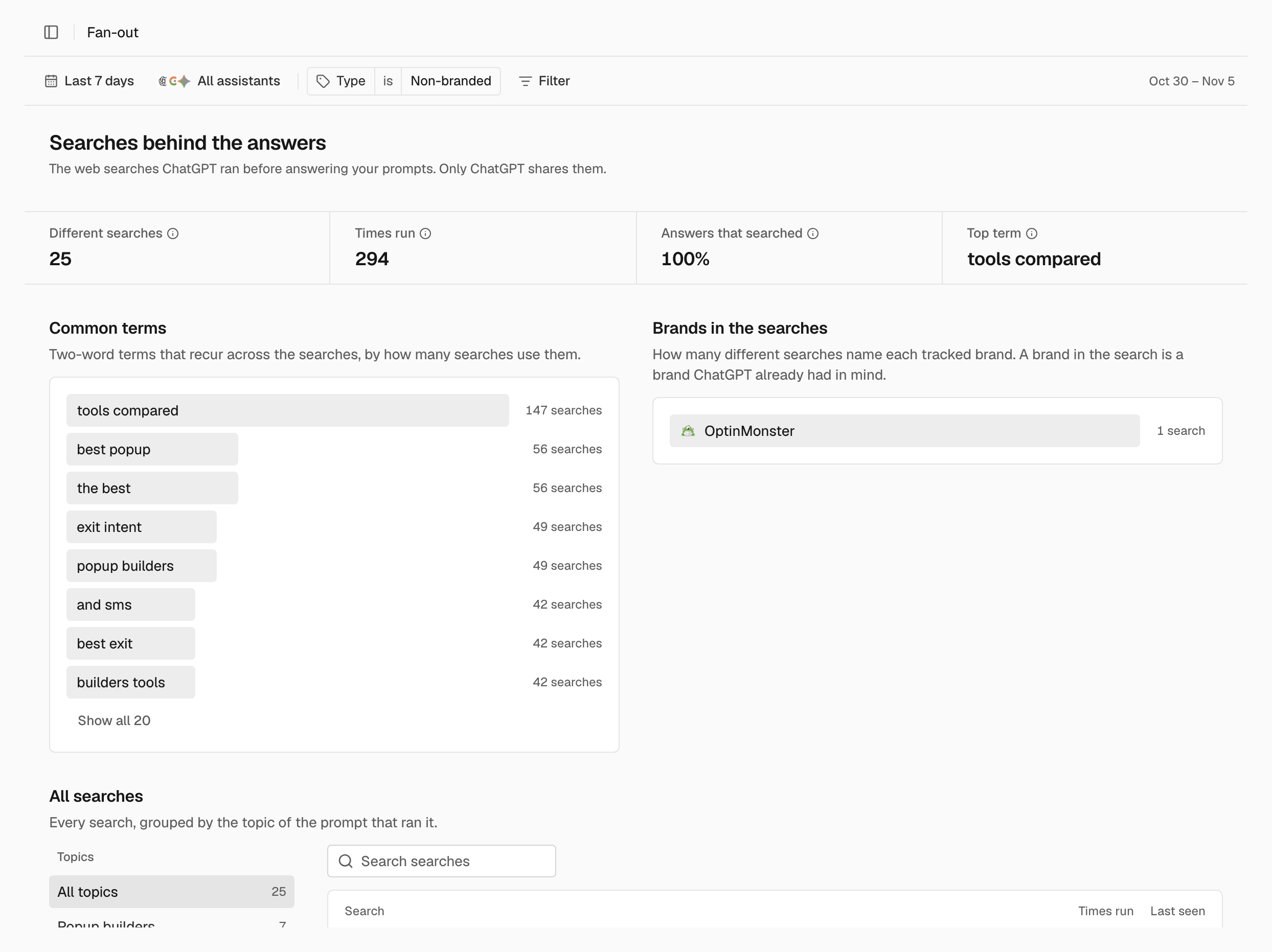
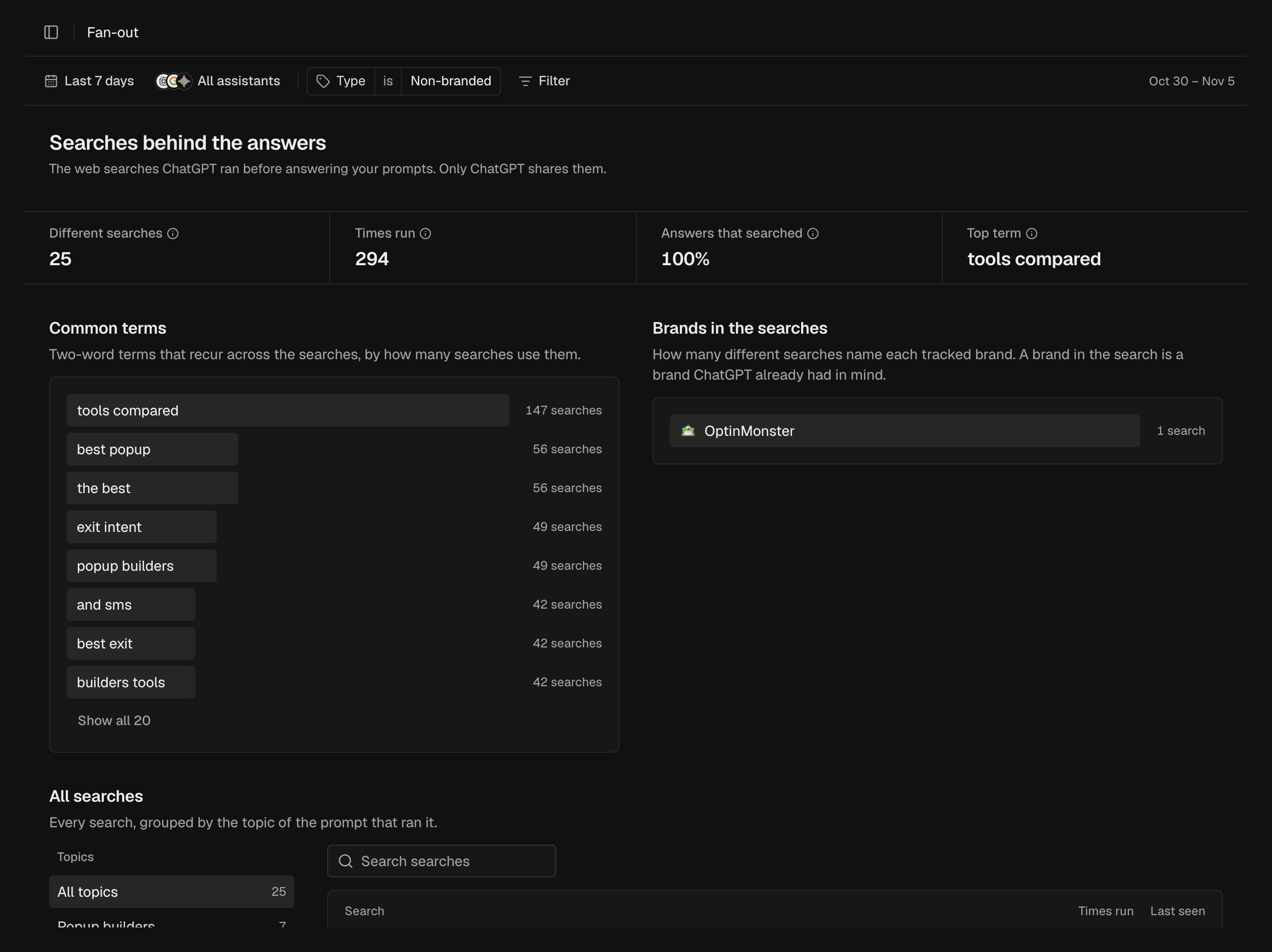
This report covers ChatGPT answers only. Which assistants share their
searches: How SEOmator works.
Totals
The tiles are Different searches, Times run, Answers that searched and Top term. What each one counts: Metrics.Common terms
Two-word terms that recur across the searches, by how many searches use them. They show the words ChatGPT uses to look up your topics.Brands in the searches
How many different searches name each tracked brand. A brand in the search is a brand ChatGPT already had in mind before it read anything.All searches
Every search, grouped by the topic of the prompt that ran it. Search is what ChatGPT searched for, Times run how often, and Last seen the last time it ran. The list covers the 100 most frequent searches. If a topic shows Not among the top searches, none of its searches is among them.Find a search
Narrow the list to one topic or one phrase.1
Choose a topic
In All searches, choose a topic, or All topics to see every search.
A search run by prompts of two topics shows under both.
2
Search the list
Enter text in the search box to show only the searches that contain it.
Related
Answers
See the searches behind a single answer.
Metrics
What each Fan-out total counts.