
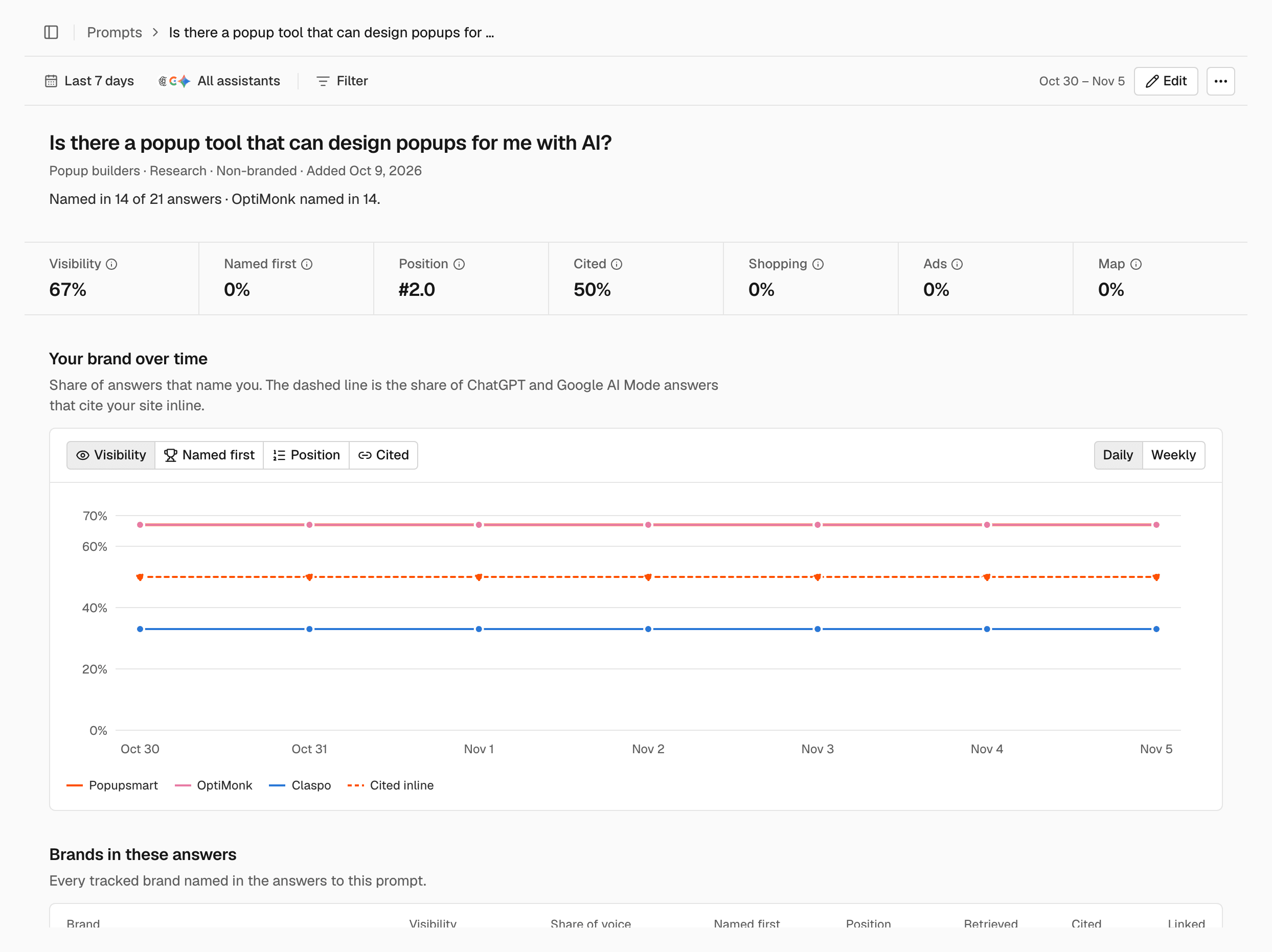
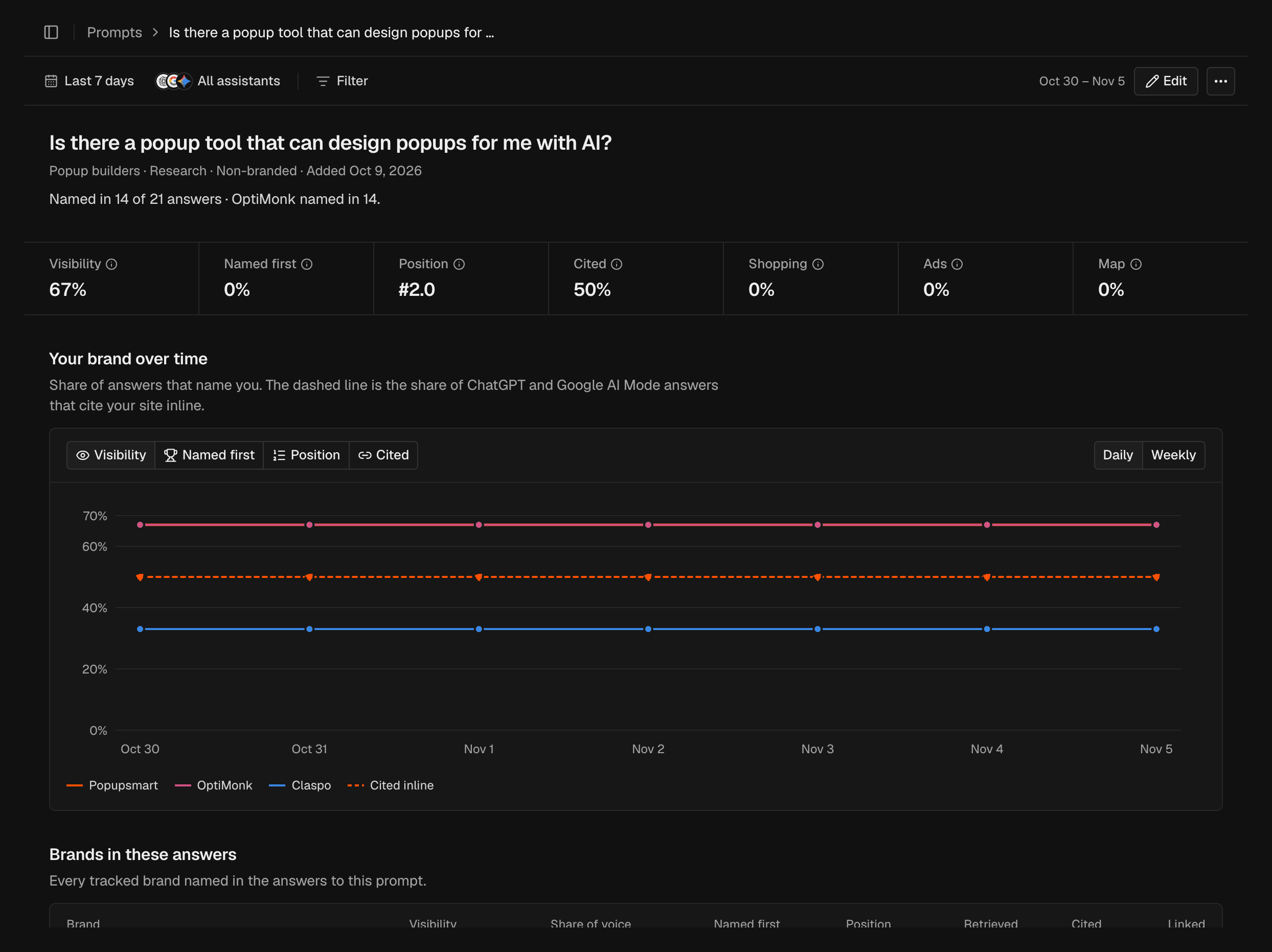
The header
The header shows the prompt, its topic, intent and type, and the date it was added.Metrics and trend
The page shows the same metrics as the prompt table, with the change from the previous period, and a trend chart of you and your competitors. What each metric means: Metrics.Brands, assistants and sources
- Brands in these answers: every tracked brand named in the answers to this prompt.
- By assistant: how each assistant answers this prompt.
- Sources: the domains the assistants list as sources for this prompt.
- What ChatGPT searched: the web searches ChatGPT ran before answering.
Answers
Answers lists every answer to this prompt in the period, newest first. Click one to read it. What an open answer shows: Answers.Edit or archive the prompt
In the page header, click Edit to change the prompt, then click Save. To archive it, click ⋯ and choose Archive. Changing the text creates a new prompt, and the old one is archived with its history. See Prompts.Export the answers
Click Export answers to download the answers in the period as a CSV file.Related
Prompts
Add, edit and archive the questions SEOmator asks.
Answers
Read every answer the assistants gave.
Fan-out
See the searches ChatGPT ran across all prompts.
Metrics
What each metric means and how it is counted.