
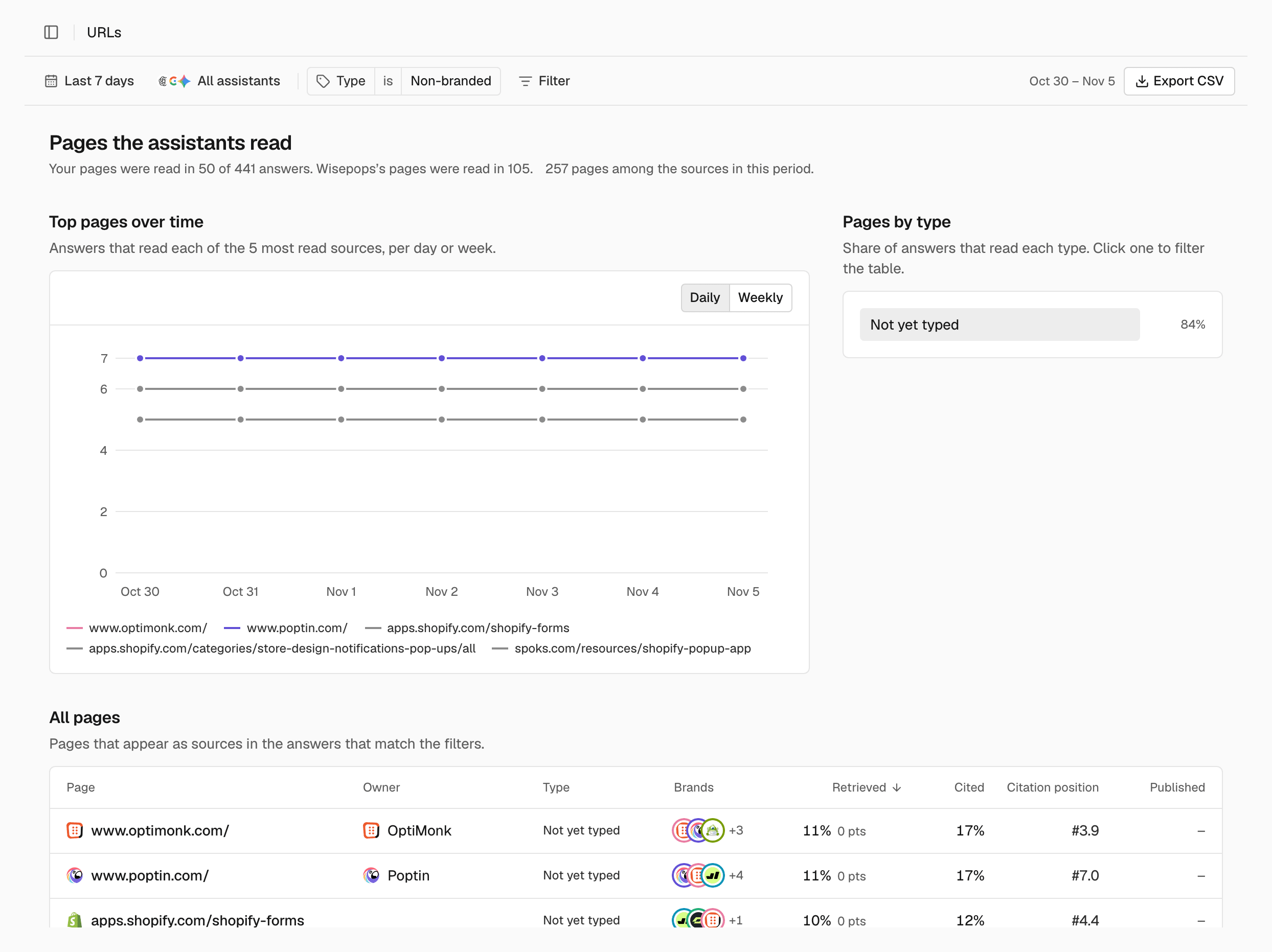
Top pages over time
The chart shows, for the five most read pages, how many answers read each one. Switch between Daily and Weekly in the chart header.Pages by type
Each bar is the share of answers that read at least one page of that type, so the bars don’t add up to 100%. The types are Homepage, Category page, Product page, Listicle, Comparison, Profile, Alternatives, Discussion, How-to guide, Article, Review and Other. Pages that have not been typed yet show as Not yet typed. Click a type to filter the table to it. Click it again to clear the filter.All pages
The table lists the pages that appear as sources in the answers that match the filters, most read first. Click Page, Retrieved, Cited or Citation position to sort by that column.
The table shows the top 100 pages, 15 at a time.
A page’s own page
Click a page in the table to open its own page. Visit site opens it, with its address and its publish date when known. A line tells you in how many answers it was read, and how often you and your top competitor were named in them. The page then shows:- Retrieved, Cited and Citation position, with their change, and Answers: how many answers read or cite the page.
- Over time: the answers that read it, per day or week.
- By assistant: for each assistant, the share of its answers that read the page, how many answers that is, and how many cite it (n/a for Gemini).
- Prompts that lead to it: the prompts whose answers read it, most answers first.
- Answers that read it: the latest answers whose sources include it. Click one to read it, or click See all to open Answers with those answers.
Export the pages
To download the pages table as a CSV file, click Export CSV at the end of the filter bar.Related
Domains
See whole sites instead of single pages.
Metrics
How Retrieved, Cited and Citation position are counted.
Answers
Read the answers that used a page.