
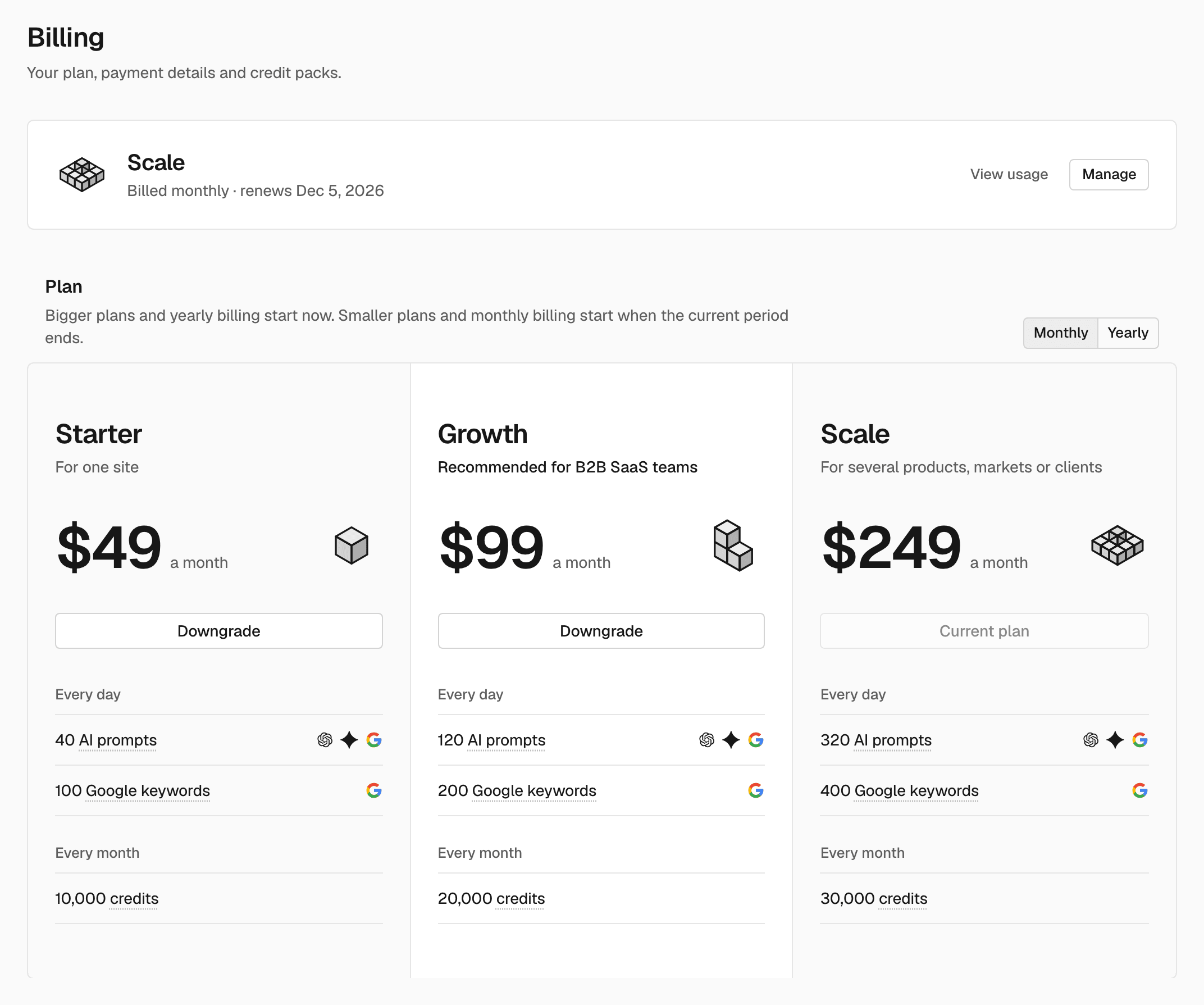
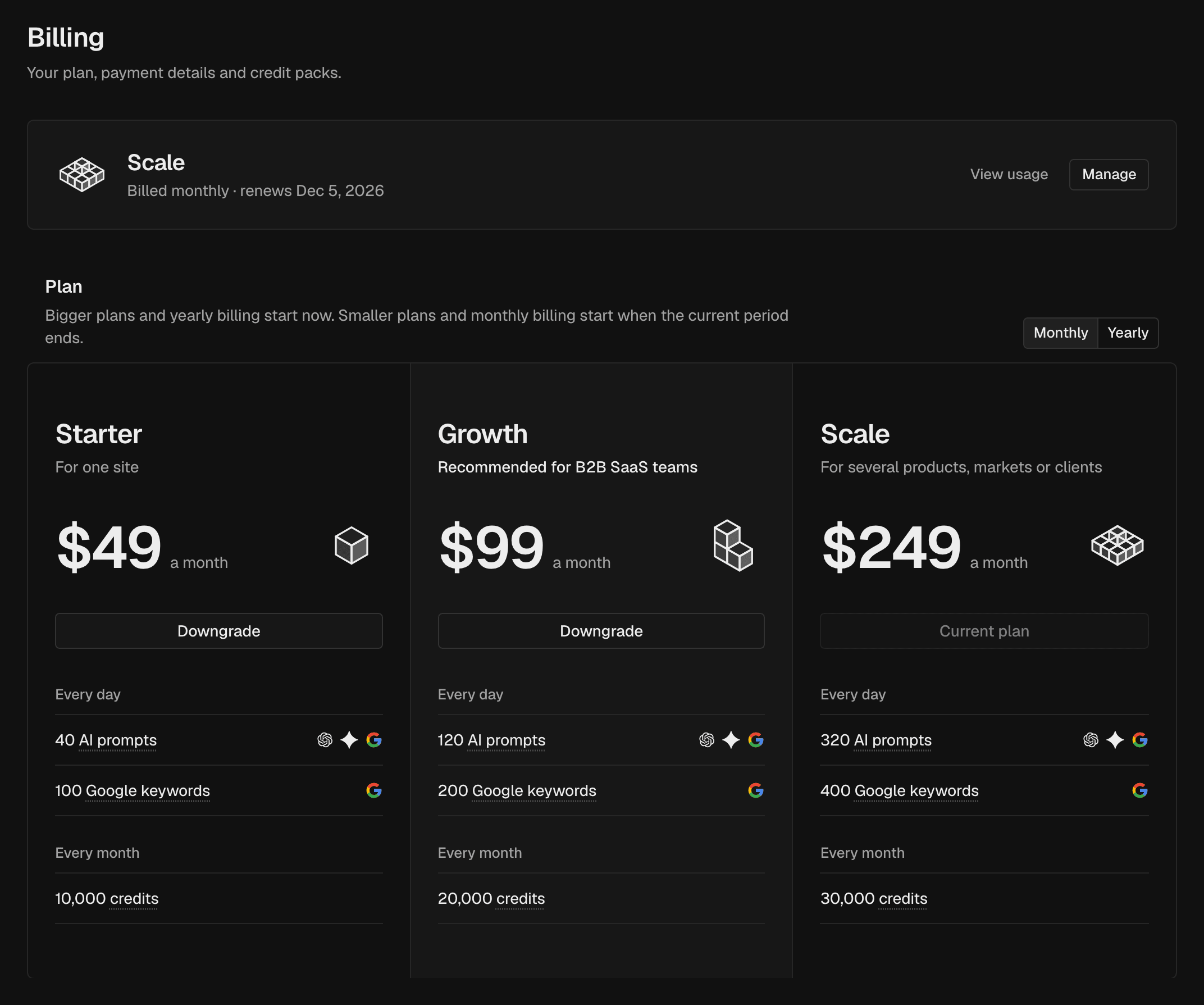
Plan header
The plan header shows your current plan and its status:- On a subscription: “Billed monthly · renews Dec 1” or “Billed yearly · renews …”.
- During a trial: how many days are left and when it ends.
- After a cancel: “Ends” and the last day of the plan.
Plan
The Plan section lists the plans, with a Monthly / Yearly switch. Your current plan shows Current plan. A scheduled change shows as “Moves to … on …” in the Plan section.
Compare plans lists every limit, plan by plan. For Enterprise, click Talk to us.
Credit packs and costs
Credit packs sells one-time packs of credits for work beyond your plan. What credits buy lists the credit cost of each action.Subscribe or change your plan
Owners and admins What each role can do: Members.1
Choose the billing interval
In the Plan section, choose Monthly or Yearly.
2
Choose a plan
Without a subscription, click Subscribe on a plan and pay on the
checkout page. With a subscription, click Upgrade or Downgrade.
3
Confirm
Read the confirmation and click Upgrade or Downgrade again.
Cancel a scheduled change
Owners and admins What each role can do: Members. In the Plan section, click Keep current plan. The scheduled change is removed and you stay on your current plan.Buy a credit pack
Owners and admins What each role can do: Members.1
Choose a pack
Under Credit packs, click Buy on a pack.
2
Pay
Pay on the checkout page.
Update payment details, get invoices or cancel
Owners and admins What each role can do: Members. With a subscription, click Manage in the plan header. It opens the Stripe billing portal, where you can:- update your card,
- see and download invoices,
- add a tax ID,
- cancel your subscription.
Change plans on this page, not in the portal.
Related
Plans and credits
What each plan includes and costs.
Usage
Your credit balance and what you spent.