
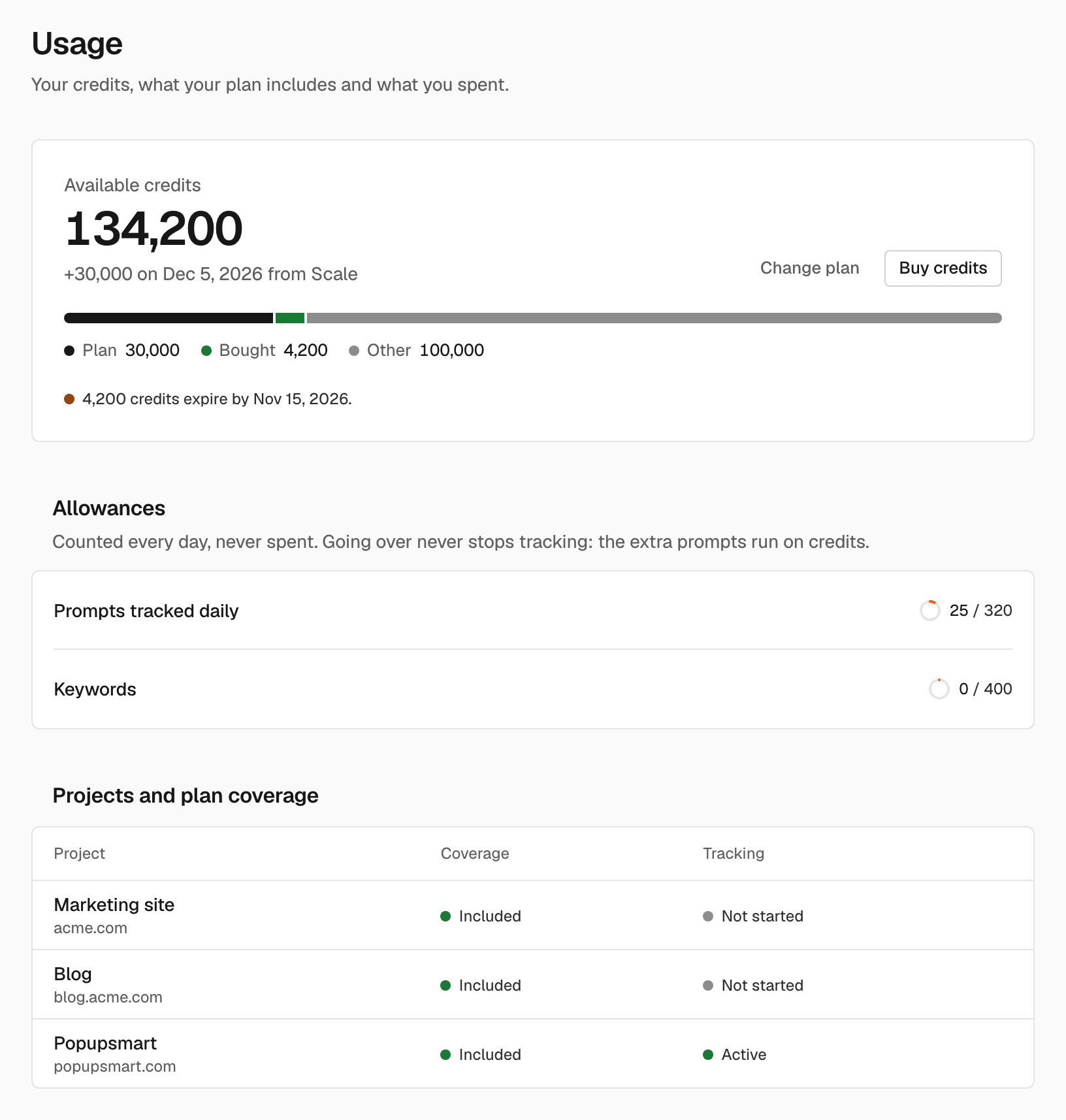
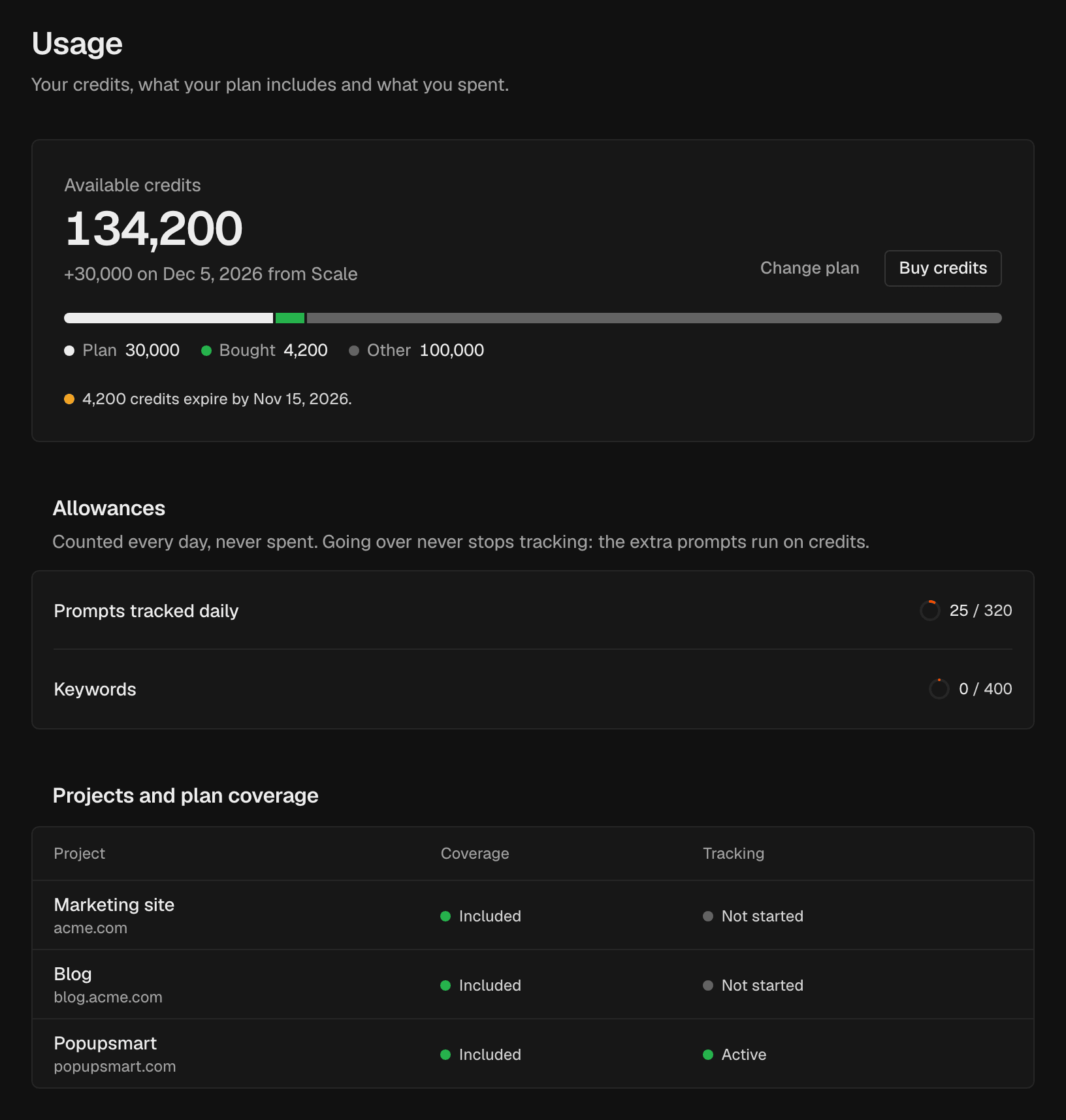
Available credits
Available credits is your balance. A line such as “+20,000 on Dec 1 from Growth” shows when your next plan credits arrive.- Credits by source splits the balance into Plan, Bought and Other credits.
- A warning such as “5,000 credits expire by Dec 1.” shows when credits are about to expire.
- Change plan and Buy credits take you to Billing.
Allowances
Prompts tracked daily and Keywords show how much of your plan you use, for example “32 of 40”. Allowances are counted every day and never spent. When you track more prompts than your plan includes, Prompts tracked daily also shows how many extra prompts run, how many credits they use a day, and about how many days your balance lasts. How extra prompts are paid: Plans and credits.Projects and plan coverage
This table lists your projects:Credit batches
Credits arrive in batches: plan credits each month, trial credits, and credit packs with their bonus. The table shows each batch’s Source, how many credits you Received, how many are Remaining, the date it was Received on and when it Expires. Which credits are spent first and when they expire: Plans and credits.Spending and activity
Spending shows the credits spent This month and Last month, split by what they paid for. Activity lists every spend with its project, date and amount.Filter the activity
Show one kind of spend in Activity.1
Open the filter
In Activity, open the reason menu. It shows Everything until you
choose a reason.
2
Choose a reason
Choose a reason, for example Prompt over the plan, Project setup or
Assistant answer. Choose Everything to see all spends again.
Related
Plans and credits
What each action costs and what plans include.
Billing
Change your plan or buy credits.